
Indian & Fiji TV in Australia · 12 languages
Cruze TV — live TV and all your apps in one small box.
Live TV, movies, TV shows and web series on the TV you already own. Plug it in, sign in and start watching — no contract, just a simple renewal.
- 1-year warranty
- Fast dispatch
- Real people on support
What you can watch
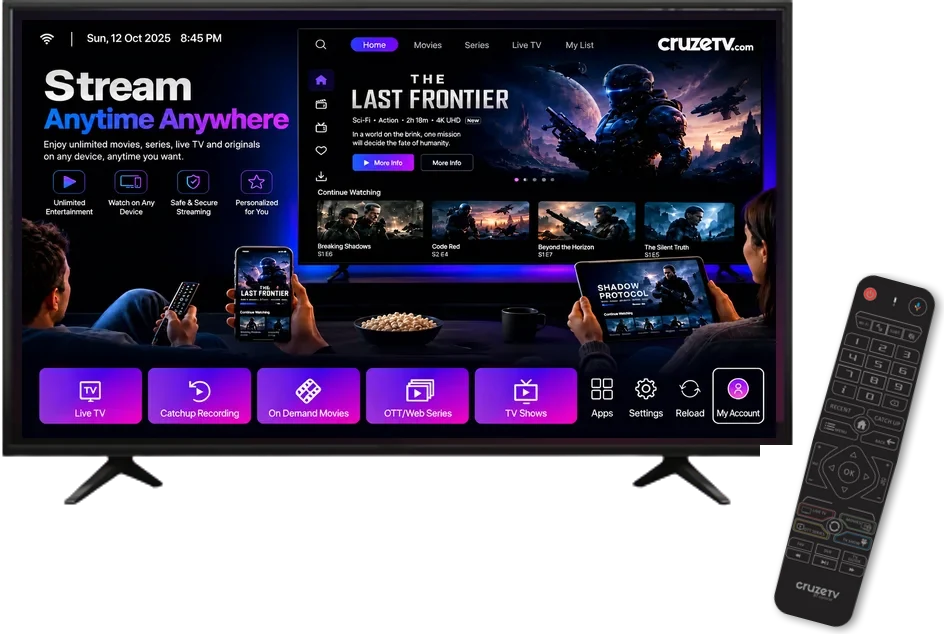
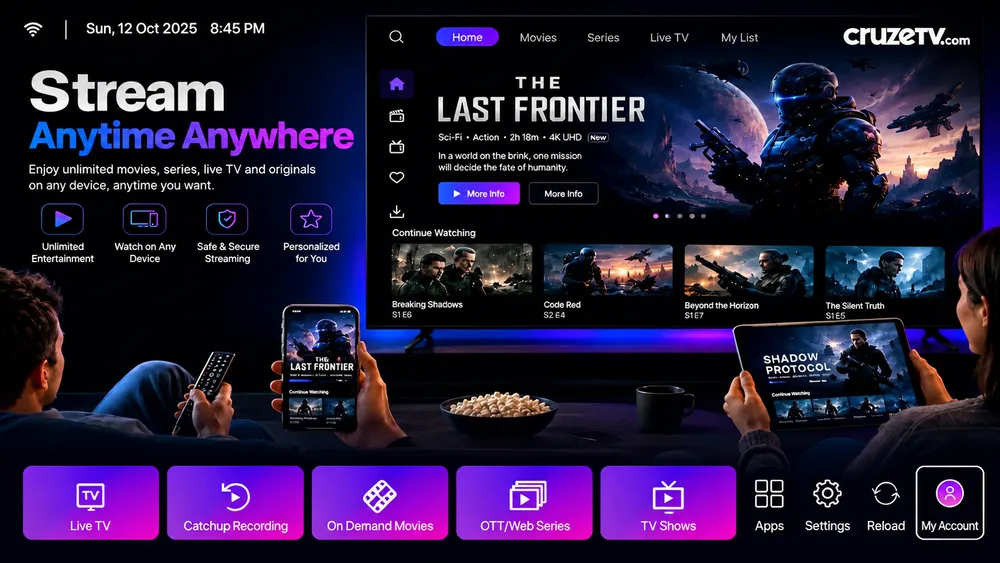
Movies, TV shows, web series & live TV — all on Cruze TV
Live TV
Live channels with a full TV guide — news, entertainment and more, just like regular TV.
Movies
Blockbusters, new releases and classics on demand. Pick a film and press play.
TV Shows
Your favourite shows and serials, ready whenever you are.
Web Series & OTT
Binge-worthy web series and originals, plus your streaming apps in one place.
Catch-up
Missed it? Go back and watch recent shows with catch-up recording.
Apps & More
YouTube, music, games and thousands of Android TV apps from Google Play.
Indian TV in Australia
Watch Indian TV in your language
Live channels, movies, serials and news in 12 languages — on the TV you already own.
Box / device
Cruze Hybrid 8K Box
Live TV, catch-up and every Android TV app on the TV you already own.
- Amlogic S905X3 quad-core processor
- 4 GB RAM · 32 GB storage
- 8K / 4K HDR video output
- Dual-band Wi-Fi 2.4 + 5 GHz
- Gigabit Ethernet port
- Bluetooth for headphones and gamepads
$349
Prices in USD. Shipping is quoted for your country.
Everything you watch, one remote
Live TV with a TV guide
Flick through live channels and see what is on next, just like regular TV.
All your apps
Google Play on your TV: streaming apps, YouTube, music and games.
Up to 8K, 4K HDR
Sharp picture with rich colour on any modern TV.
Wi-Fi or cable
Dual-band Wi-Fi plus a Gigabit port for the most stable stream.
Bluetooth
Pair headphones, speakers or a gamepad.
USB & microSD
Play your own videos and photos, or add storage.
Watching in 3 steps
- OrderSend the order form — it takes a minute. We call or message you to confirm and arrange payment.
- Plug inConnect the box to your TV with HDMI and to the internet by Wi-Fi or cable.
- WatchTurn it on, pick a channel or app. We help over the phone if you need it.
Already have Cruze TV?
Renew in under a minute
Enter your box MAC address, send the form, and we send your renewal code once payment is confirmed.
Renew now · $159For businesses
Sell Cruze TV in your area
- Wholesale pricing that grows with your volume
- Stock dispatched fast to you or your customer
- Renewal codes for your customer base
- Product photos and marketing material
- Your shop listed on our dealer page
Common questions
What internet speed do I need?
A stable 12 Mbps is enough for HD (1080p). For 4K choose a connection that holds a steady 25 Mbps. A cable to your router is always more stable than Wi-Fi.
The screen keeps blinking on HDMI. What do I do?
Open Settings → Display → Screen resolution → Display mode, choose 1080p 50Hz and press OK when asked.
My box goes to sleep or shuts down by itself.
Hybrid 8K: Settings → Device Preferences → Screen saver → Put device to sleep → Never. Cruze 4K and Hybrid 4K 5G: Screen saver → Put device to sleep → Never.
Channels are not working properly.
Restart the box first (unplug for 10 seconds). It fixes most problems. Still not right? Open a support ticket below with your box MAC address.
How do I factory reset?
Hybrid 8K: Settings → Device Preferences → Reset → Erase everything (1–3 minutes). Cruze 4K and Hybrid 4K 5G: Settings → Storage & Reset → Factory data reset (5–10 minutes).