
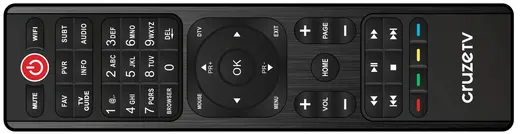
Cruze TV Remote
Original replacement remote.
$24Order
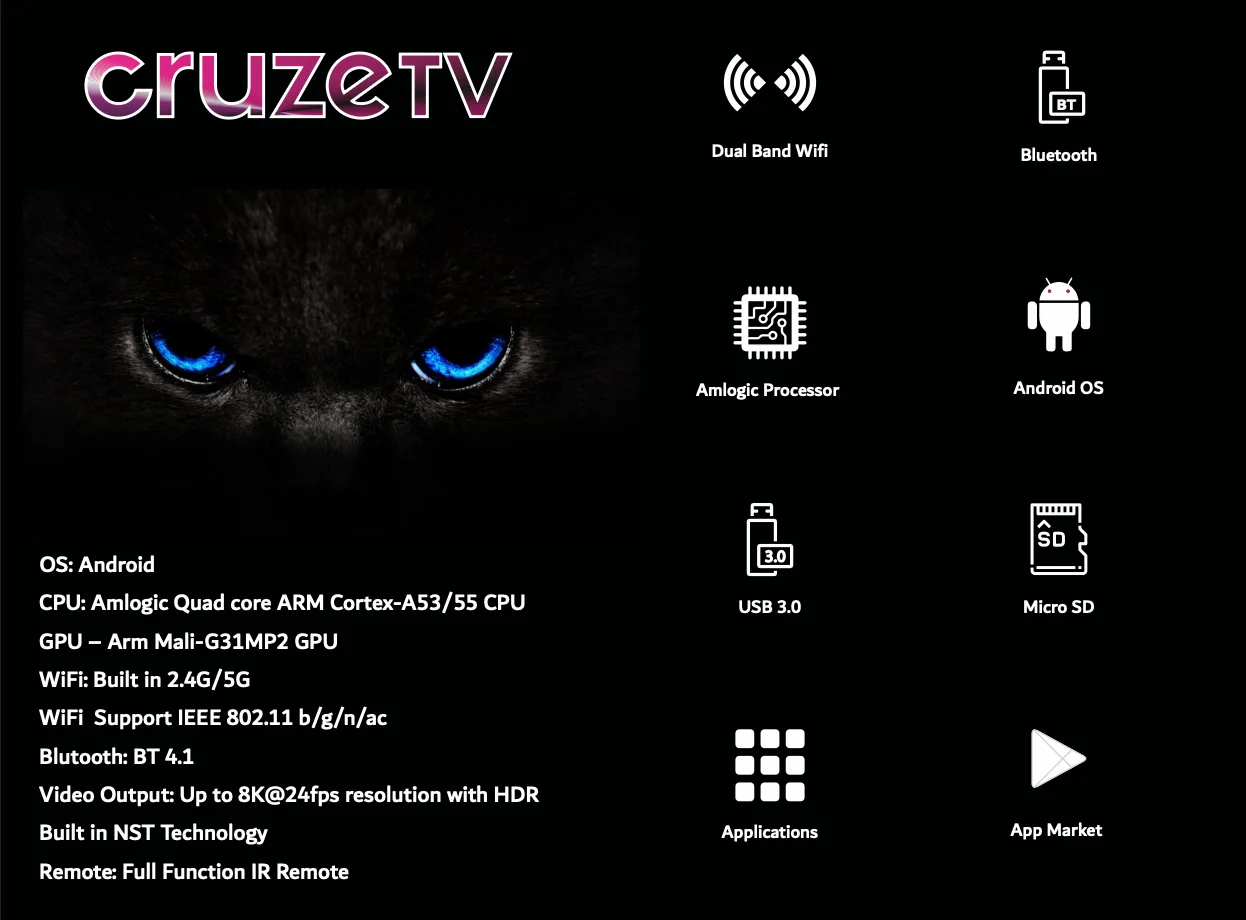
Box / device
Live TV, catch-up and every Android TV app on the TV you already own.
$349
Prices in USD. Shipping is quoted for your country.
Flick through live channels and see what is on next, just like regular TV.
Google Play on your TV: streaming apps, YouTube, music and games.
Sharp picture with rich colour on any modern TV.
Dual-band Wi-Fi plus a Gigabit port for the most stable stream.
Pair headphones, speakers or a gamepad.
Play your own videos and photos, or add storage.
Original replacement remote.
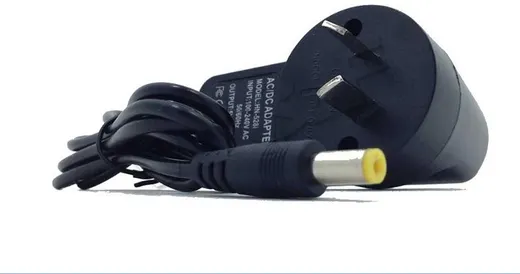
Original replacement power supply.
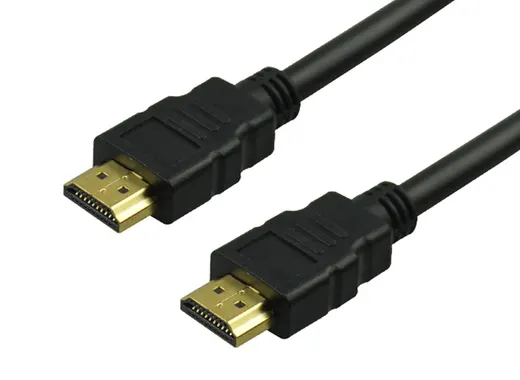
High-speed 4K HDMI cable with ARC.
A stable 12 Mbps is enough for HD (1080p). For 4K choose a connection that holds a steady 25 Mbps. A cable to your router is always more stable than Wi-Fi.
Open Settings → Display → Screen resolution → Display mode, choose 1080p 50Hz and press OK when asked.
Hybrid 8K: Settings → Device Preferences → Screen saver → Put device to sleep → Never. Cruze 4K and Hybrid 4K 5G: Screen saver → Put device to sleep → Never.
Restart the box first (unplug for 10 seconds). It fixes most problems. Still not right? Open a support ticket below with your box MAC address.
Hybrid 8K: Settings → Device Preferences → Reset → Erase everything (1–3 minutes). Cruze 4K and Hybrid 4K 5G: Settings → Storage & Reset → Factory data reset (5–10 minutes).
Go to All Apps → Update → OTA Update.
The box has a 1-year hardware warranty; remotes have 1 month. Send the box to us and we repair or replace it within about 5 working days of receiving it. You pay postage to us, we pay return postage.